From idea to file

A guided export workflow that keeps output polished.

Follow four clear steps to move from first draft to a ready-to-share Word or PDF file.

  1. 1

    Create

    Start from a prompt or template to generate your first ebook or planning draft.

  2. 2

    Customize

    Adjust layout, visuals, and content details so every page matches your goal.

  3. 3

    Preview

    Check page flow, typography, and spacing before finalizing the file handoff.

  4. 4

    Export

    Download clean Word or PDF outputs that are ready to share, print, or publish.

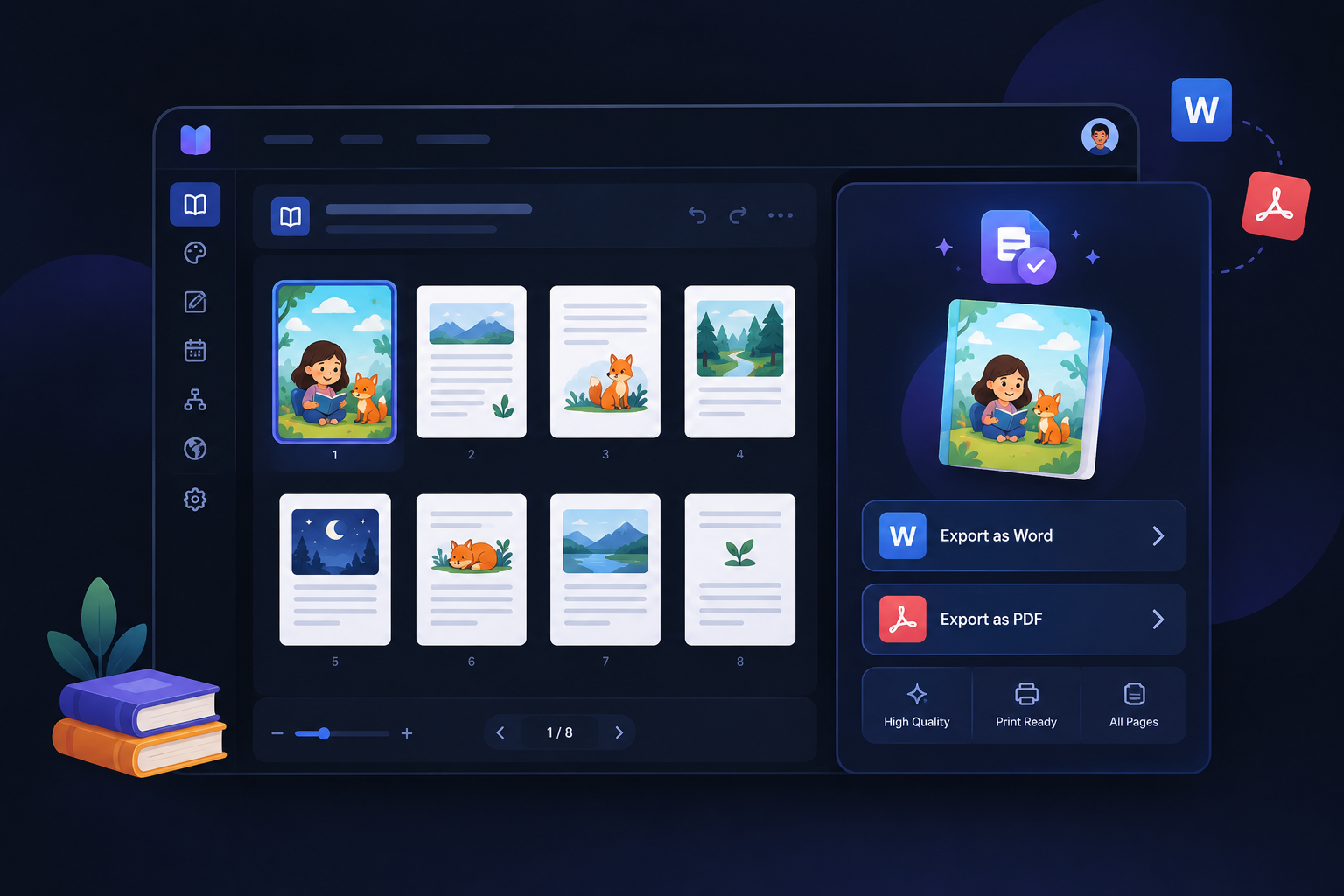
Polished output dashboard showing page previews with Word and PDF export handoff controls
Preview frame: final quality check and instant handoff to Word/PDF export.